Beyond the Digital Shift: Navigating Your PS5 Disc Library
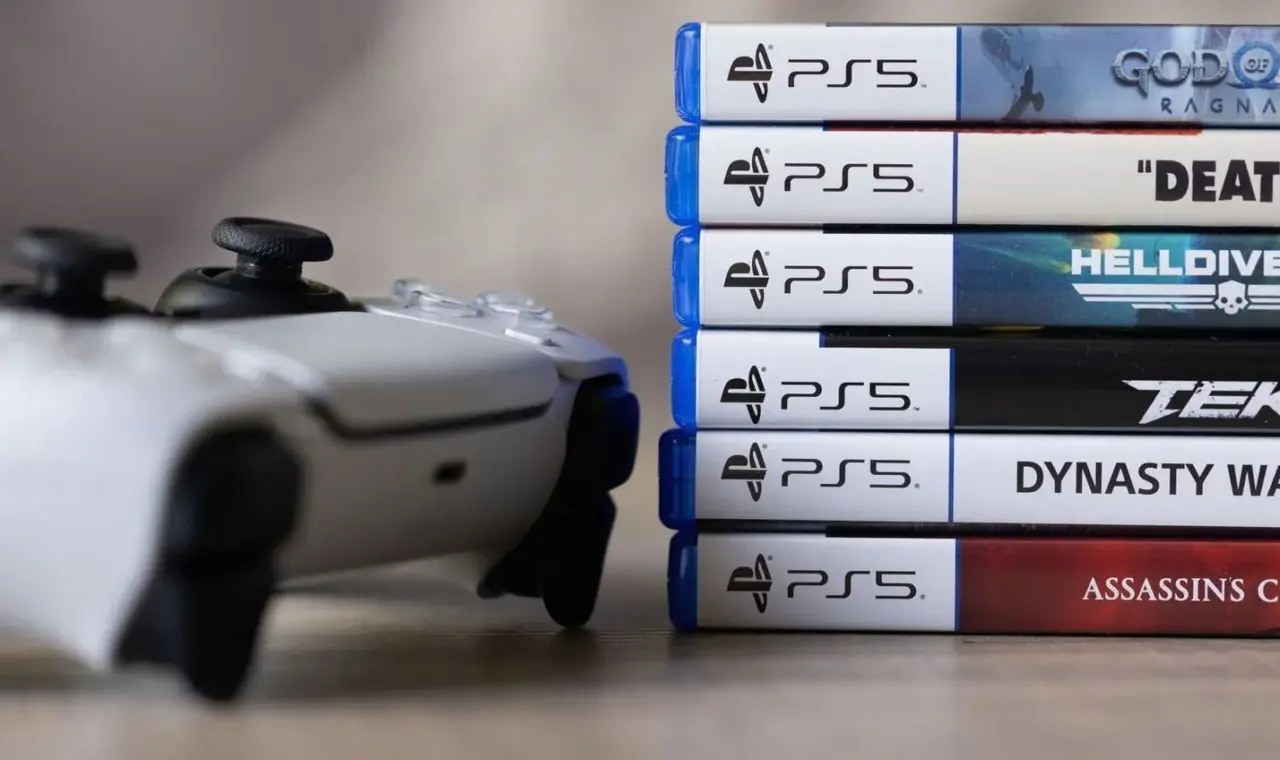
As Sony moves toward a future where physical game discs may become a thing of the past by 2028, many gamers are looking back at their existing collections to see what still holds value. For those who opted for the disc version of the PlayStation 5, or those using the detachable drive add-on for the Slim and Pro models, the console remains a versatile piece of hardware. While the industry leans heavily into digital downloads, the PS5 continues to serve as a reliable bridge for players who prefer owning their software physically.
When it comes to gaming, the transition has been largely seamless. Almost every PS4 disc in your collection will slide right into the console and run without issue. Most users find that classics like Red Dead Redemption 2 or Bloodborne work perfectly, and thanks to Game Boost technology, several titles actually perform better than they did on previous hardware, often hitting smoother frame rates. There are only a handful of incompatible PS4 titles, mostly consisting of niche games and specific demos, meaning nearly your entire library stays intact. However, nostalgia stops there; you cannot play physical discs from the PS1, PS2, or PS3 eras on this machine.
The PlayStation 5 also doubles as a comprehensive home cinema center for those who haven’t fully migrated to streaming. The drive supports standard DVDs and both regular and Ultra HD Blu-rays, allowing old movie collections and television box sets to live on. While 3D Blu-rays are unsupported and audio CDs won’t play—a departure from the capabilities of the old PS3—users can easily pivot to integrated apps like Spotify or Apple Music for their soundtracks.
For those attempting more experimental uses of the disc drive, such as home-burned videos, success is hit or miss depending on how the disc was finalized. To avoid disappointment or potential damage to the hardware, Sony warns against inserting anything that isn’t a standard circular disc. Trying to load unconventional shapes or discs from other platforms entirely will simply result in rejection by the system. For anyone wanting to play custom media files safely, utilizing a formatted USB drive remains the most dependable workaround today.